Web Development Trends in 2025: What You Need to Know
AI-powered development, edge computing, and the rise of headless architecture. Here's what's shaping the web development landscape this year and how it affects your business.
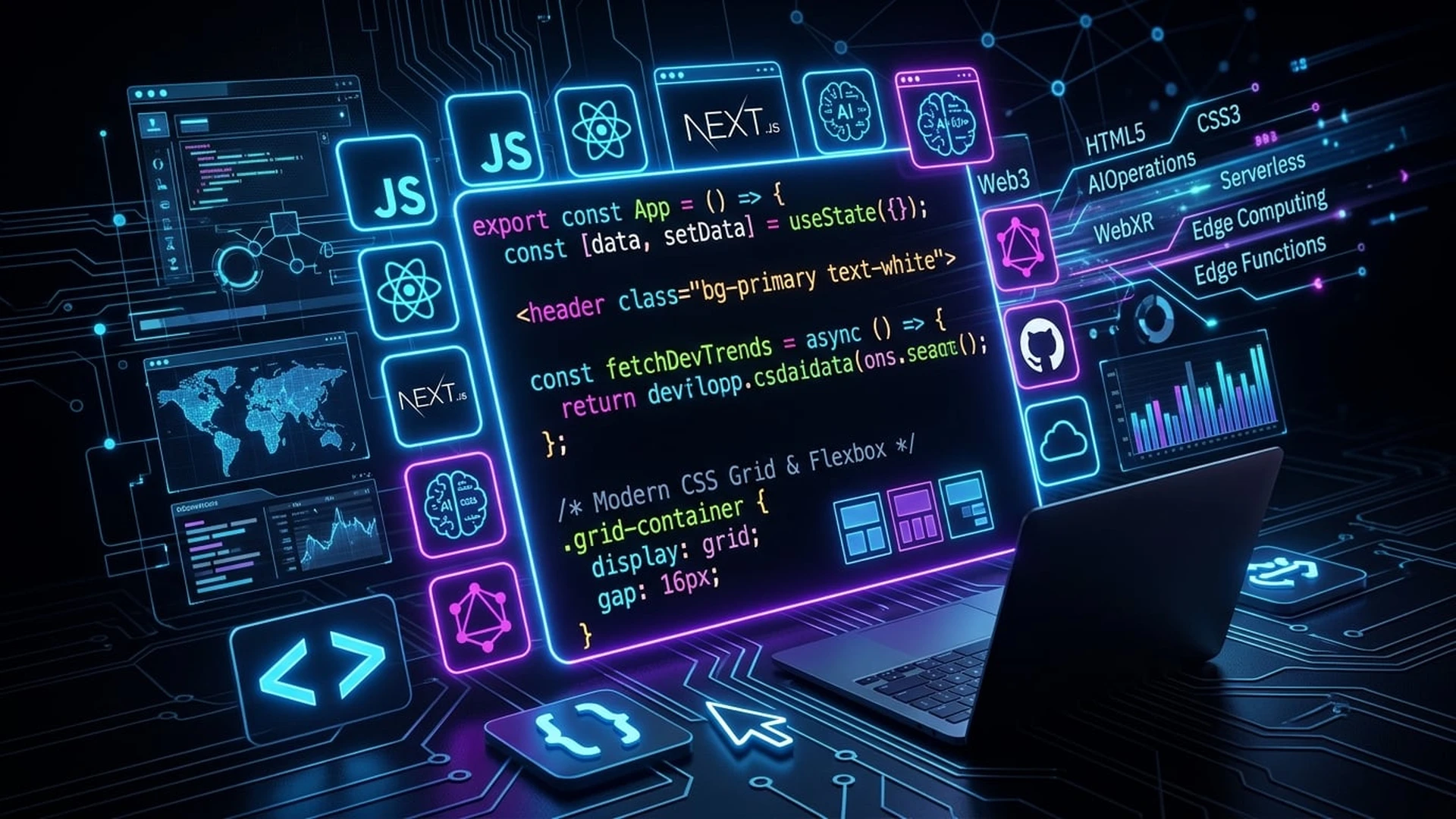
The Web Is Evolving Faster Than Ever
Every year, new technologies reshape how we build for the web. But 2025 feels different. AI is no longer a buzzword — it's a practical tool that's changing how websites are built, deployed, and experienced.
Here are the trends that actually matter for your business.
1. AI-Assisted Development
AI isn't replacing developers — it's making them 10x more productive. Tools like GitHub Copilot, Cursor, and AI-powered testing frameworks are accelerating development cycles.
What this means for you:
- •Faster project delivery times
- •Lower development costs
- •More time for design and user experience
- •Better code quality through AI-powered code reviews
2. Edge Computing & Serverless
The shift from centralized servers to edge networks means your website loads faster for users everywhere in the world.
Key benefits:
- •Sub-100ms response times globally
- •Better SEO rankings (speed is a ranking factor)
- •Reduced server costs
- •Improved security with distributed architecture
3. Headless Architecture
Decoupling the frontend from the backend gives you unprecedented flexibility.
Why businesses love headless:
- •Update your website design without touching the backend
- •Deliver content to any channel (web, mobile, IoT)
- •Better performance with static site generation
- •Freedom to choose the best tools for each part of the stack
4. Progressive Web Apps (PWAs)
PWAs bridge the gap between websites and native apps. They work offline, send push notifications, and install on home screens.
Perfect for:
- •E-commerce stores wanting app-like experiences
- •Content platforms needing offline access
- •Businesses targeting emerging markets with slow connections
5. Web Accessibility as Standard
Accessibility isn't optional anymore — it's legally required in many jurisdictions and just good business practice.
WCAG 2.2 essentials:
- •Keyboard navigation support
- •Screen reader compatibility
- •Color contrast compliance
- •Alternative text for images
- •Focus indicators for interactive elements
6. Motion Design & Micro-Interactions
Subtle animations and transitions make websites feel alive and guide users through their journey.
Effective uses:
- •Loading states that keep users engaged
- •Hover effects that provide feedback
- •Scroll-triggered animations that reveal content
- •Page transitions that feel smooth and intentional
What This Means for Your Business
You don't need to adopt every trend. But understanding where the web is heading helps you make smarter investments in your digital presence.
The businesses that thrive are the ones that build with modern technologies — fast, accessible, and designed for the future.

Meky James
CEO & Lead Developer, KODO Agency